

Accessing the New APU-WIFI Network
The New APU-WIFI network is intended for personal, Non-APU owned devices such as laptops, cell phones, and tablets.
If you have an APU-issued laptop, please see our article regarding the APU-ENTERPRISE Wi-Fi Network.
If you are trying to print to your personal Wi-Fi printer from your computer or streaming from your cell phone to your smart TV, please see our article regarding the APU-BYOD Wi-Fi Network.
Go to apu-wifi.apu.edu.
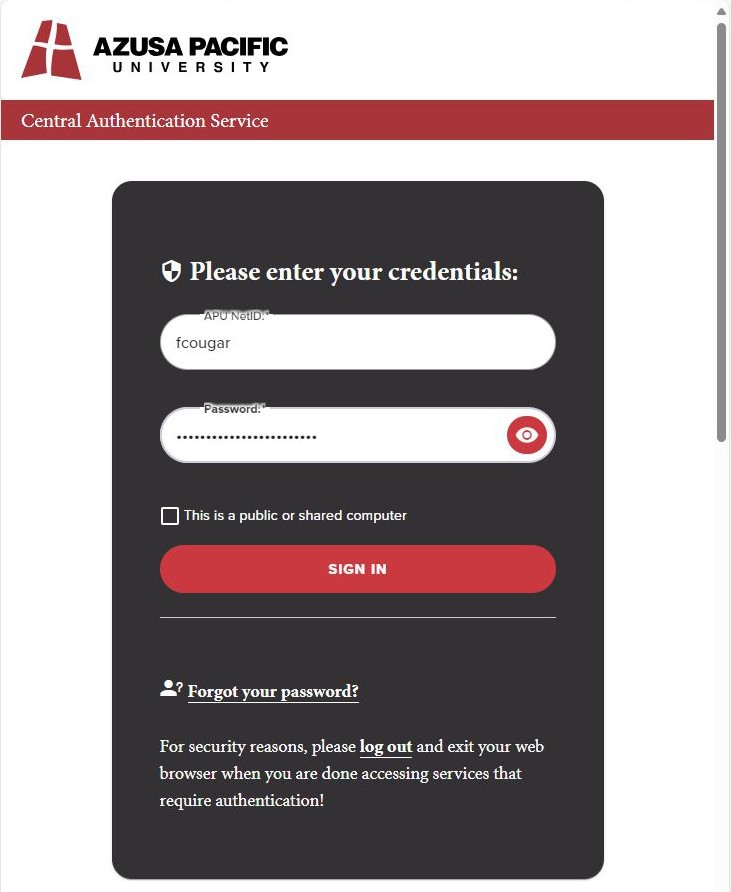
Enter your APU NetID (your APU email without the @apu.edu) & Password, then click on "SIGN IN".
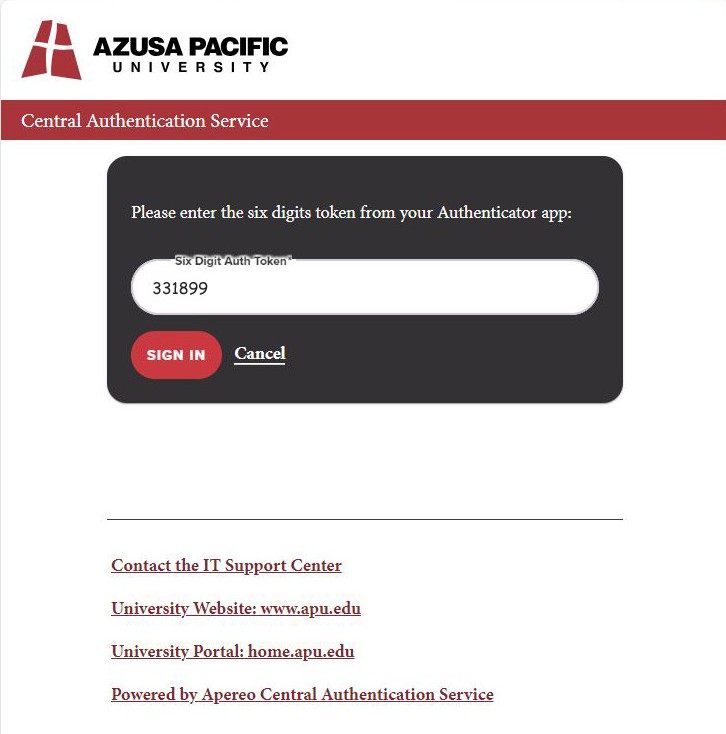
Enter the Six Digit Auth Token from your CougarLock Authenticator App and click on "SIGN IN".
After reviewing the Terms of Service, click the box next to "I accept the Terms of Service", click "Continue".

This will randomly generate a personal passphrase that can be used on your devices to connect to the APU-WIFI network. Please remember, for your safety and privacy, do not share your personal passphrase.
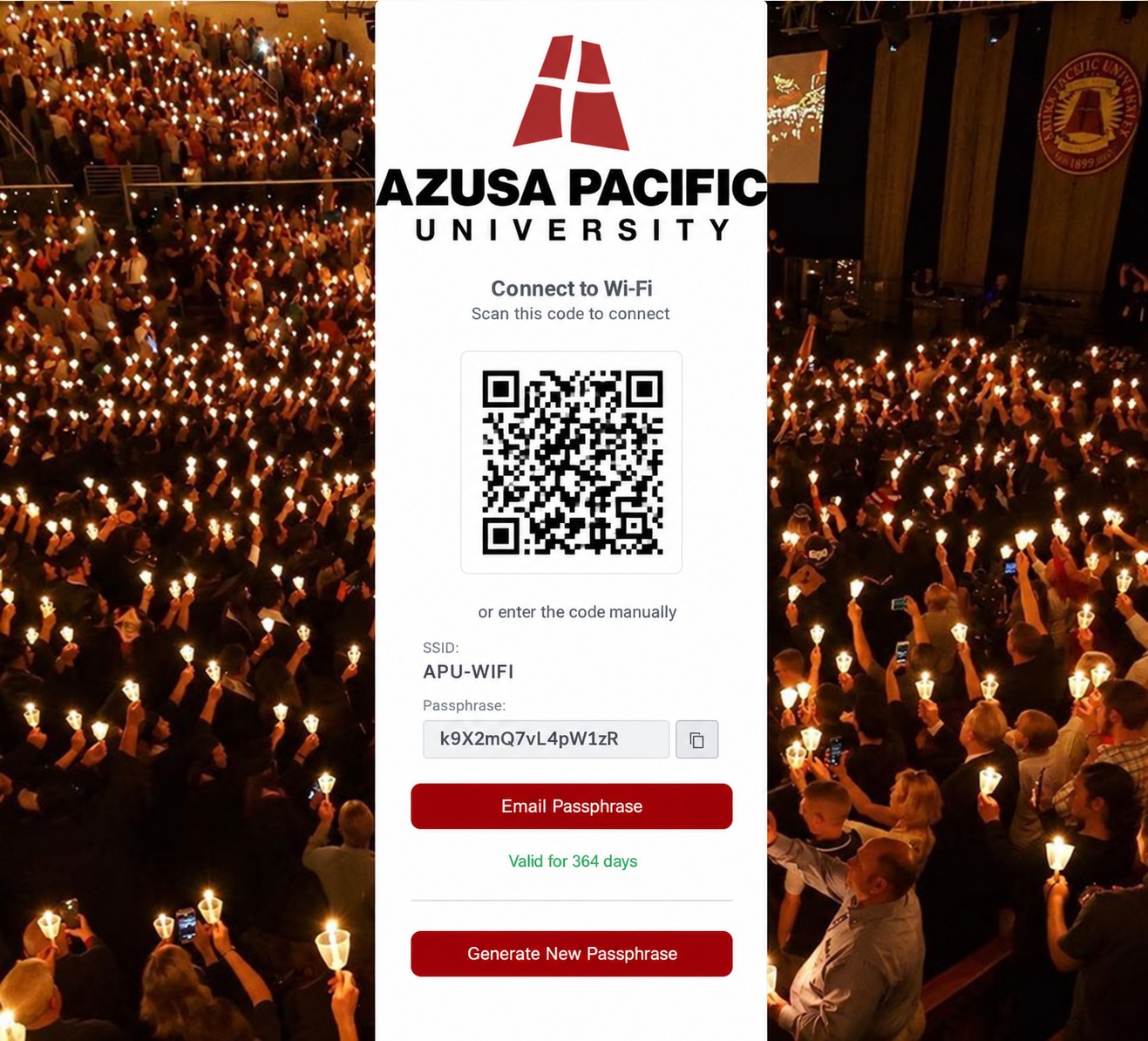
Scan the QR code with your device or access your device's wireless settings.
Select the APU-WIFI wireless network from the list of available networks and enter your personal passphrase.
You can revisit apu-wifi.apu.edu later to view your passphrase if you have misplaced it. You will also receive in your APU email a message from [email protected] that contains instructions.