Accessing the Similarity Report
-
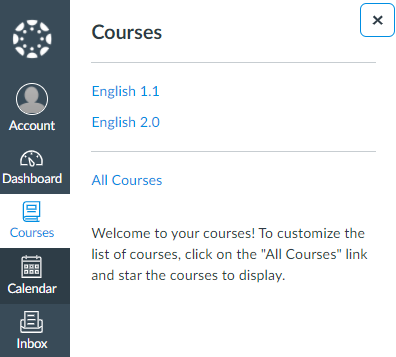
Log into Canvas as a student .
-
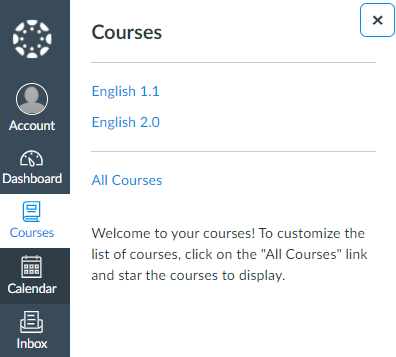
Select the course that contains your assignment.
-
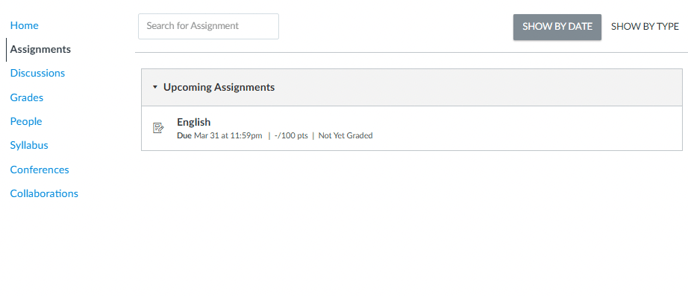
From the left panel, select Assignments .
-
Select the assignment.
-
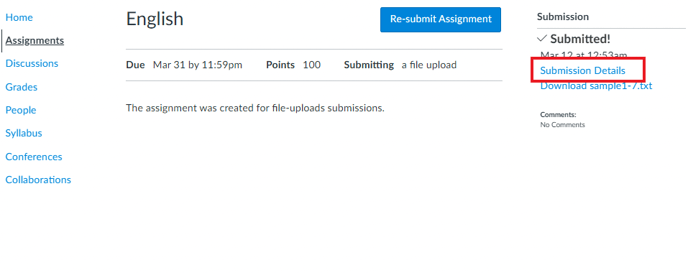
On the right side of your assignment, select Submission Details .
-
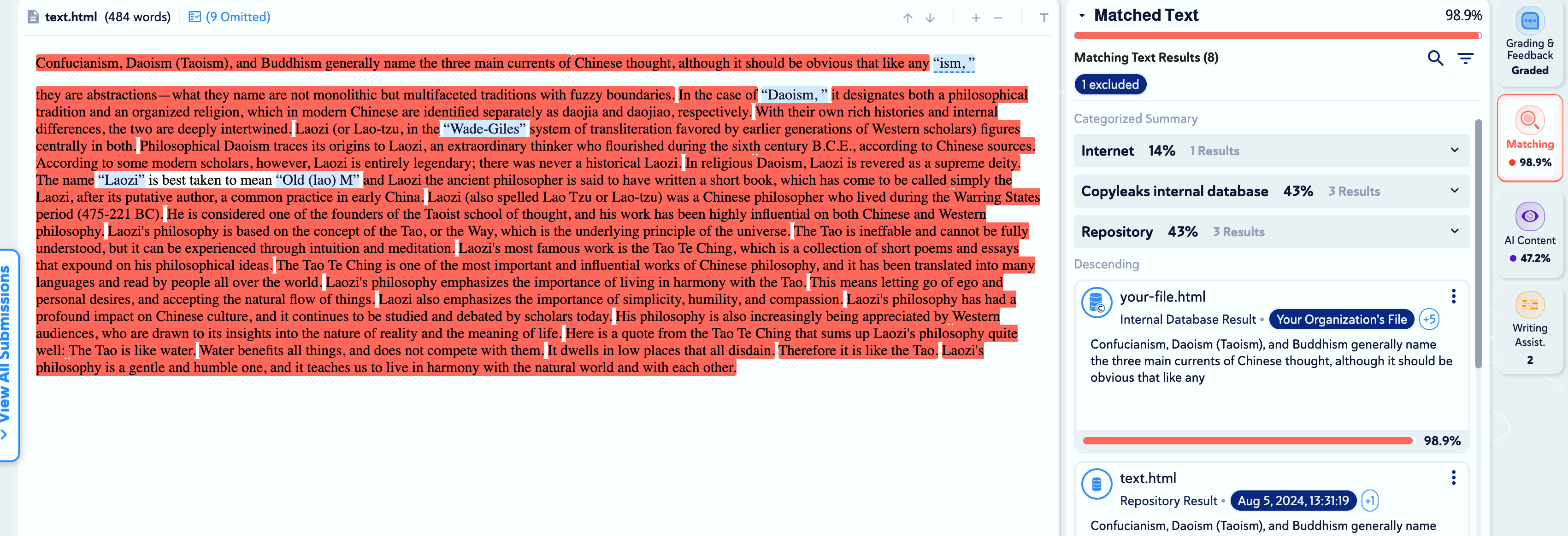
To view your Similarity Report, click on the similarity percentage (in the example, the score for plagiarism is 75.79% ).
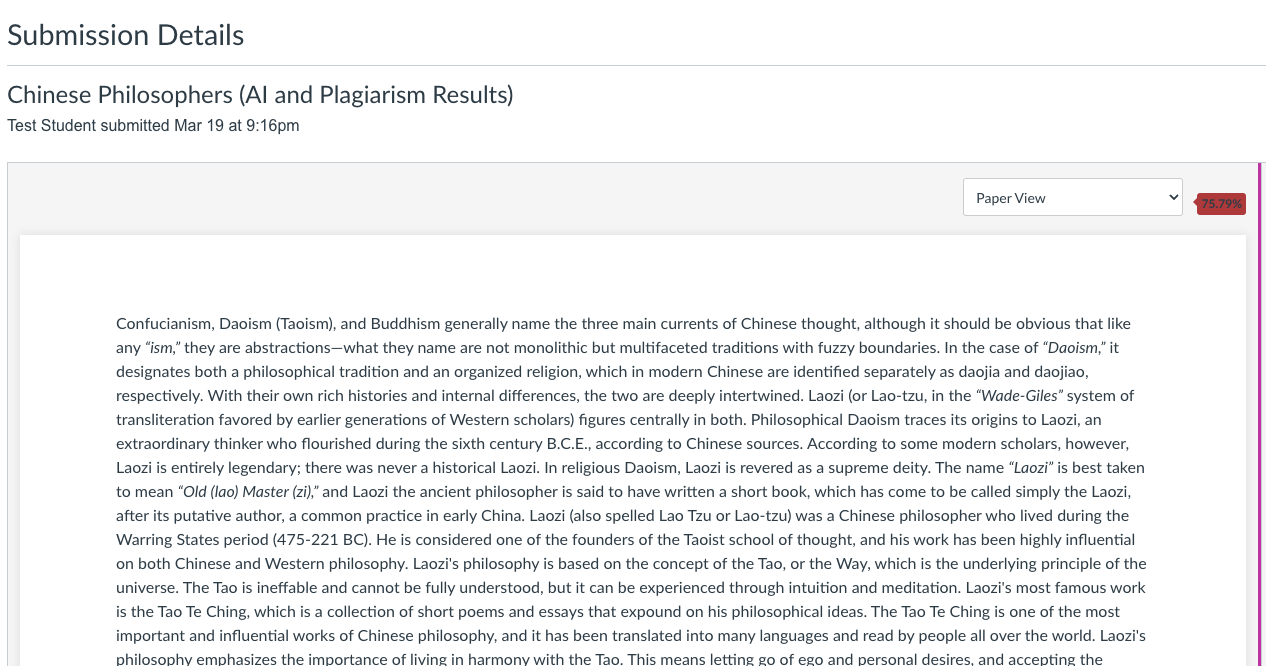
If the similarity report is still generating, you will notice a 'pending clock' alongside that submission. This clock will disappear once the similarity report has fully generated.
-
The similarity report will open in a new tab. Learn more about interpreting the similarity report and results here .