Windows Defender is a Microsoft antivirus that is already built into windows.
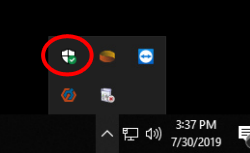
To do a manual virus scan, look for the white shield in the bottom right, next to the clock and double click it.
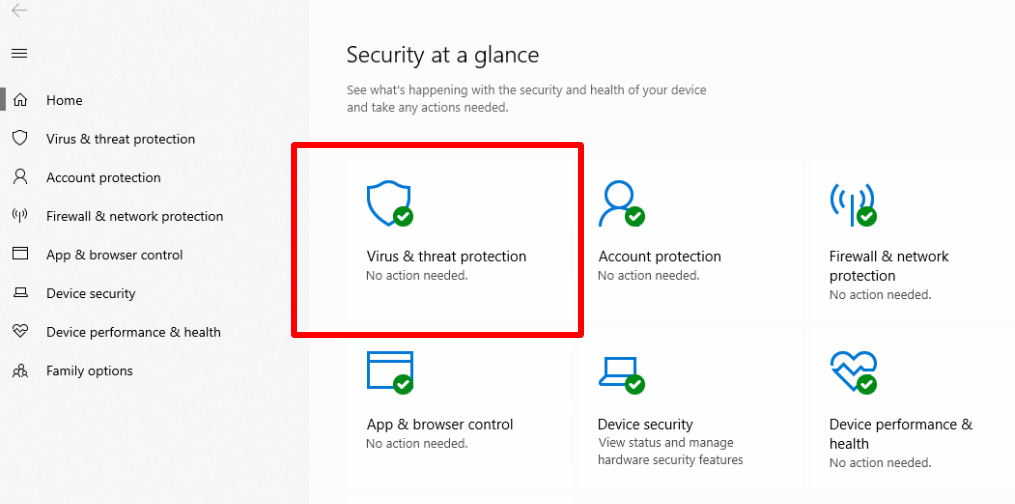
Select "Virus & threat protection"
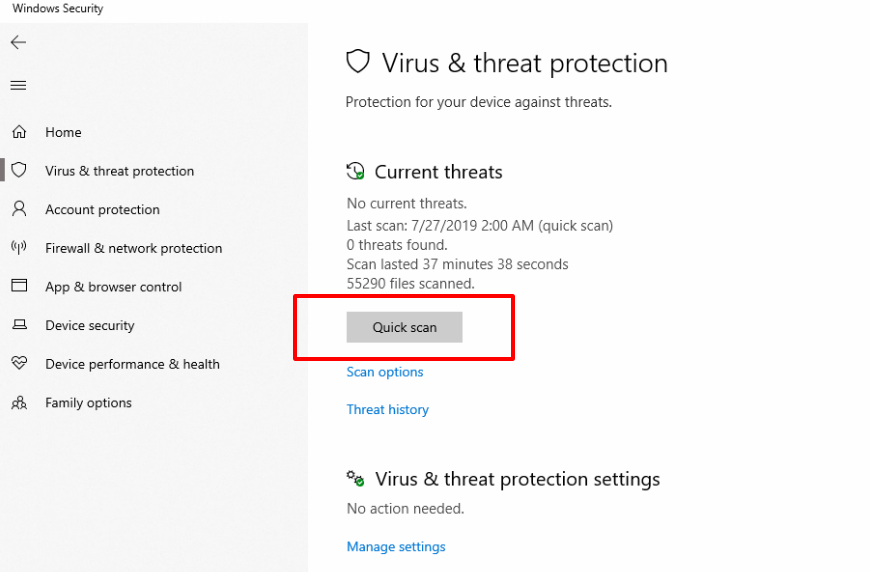
Click the "Quick Scan" button to start the scan
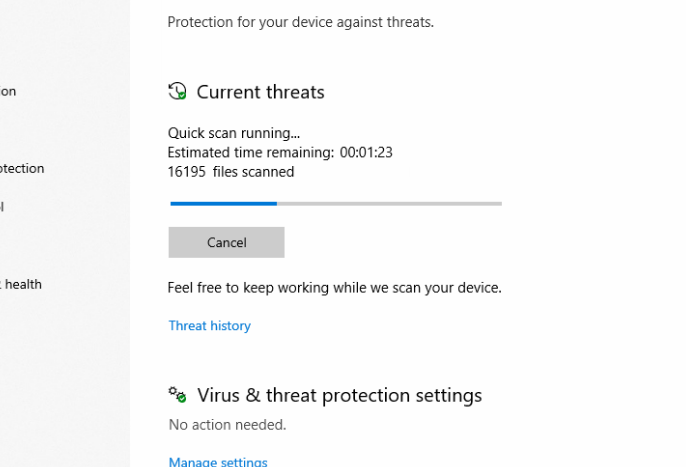
A progress bar will appear and inform you when the scan has completed. The window does not need to be open for the scan to run. The scan will continue to run in the background if the window is closed.