

How to alter your general Gmail settings
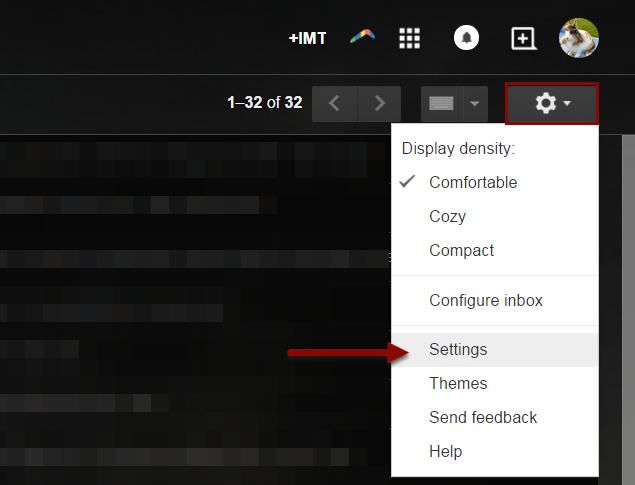
1) Access settings within you gmail account and click on the "gear" symbol, near the top right of your inbox.
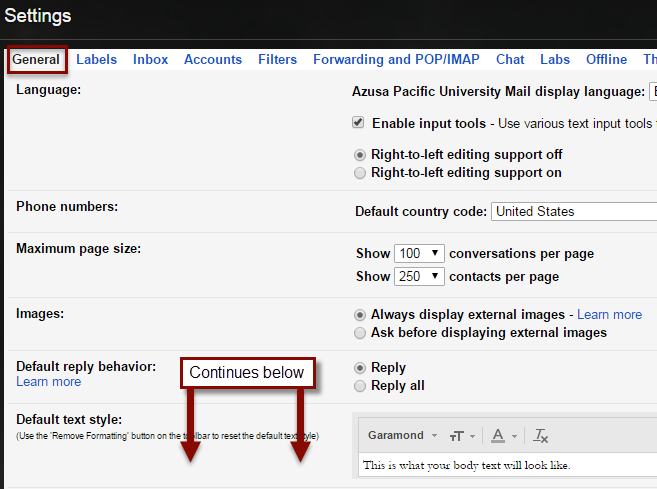
2) The default tab opened will be General, but note, there are also several other tabs that you can go through to customize your Gmail experience.
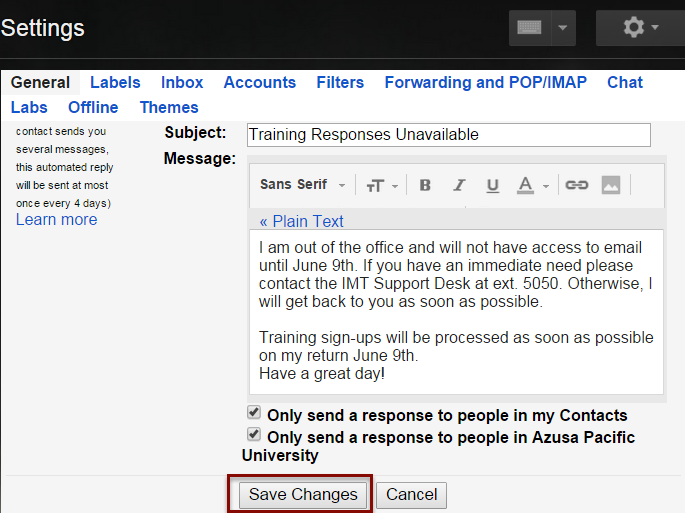
3) Feel free to browse through the tabs, and don’t be afraid that you might change something irreversibly, or accidentally. You have to click “Save Changes” at the bottom of the screen, or the changes will not be saved.
SOURCE MATERIAL:
https://support.google.com/mail/answer/6562?hl=en
https://support.google.com/mail/topic/3394219
https://support.google.com/mail/answer/6594?hl=en
VIDEO TUTORIAL:
https://www.youtube.com/watch?v=suSXesptvjo