

-
Open FileMaker
-
Once FileMaker has completely opened, close the Get started page to reveal Launch Center
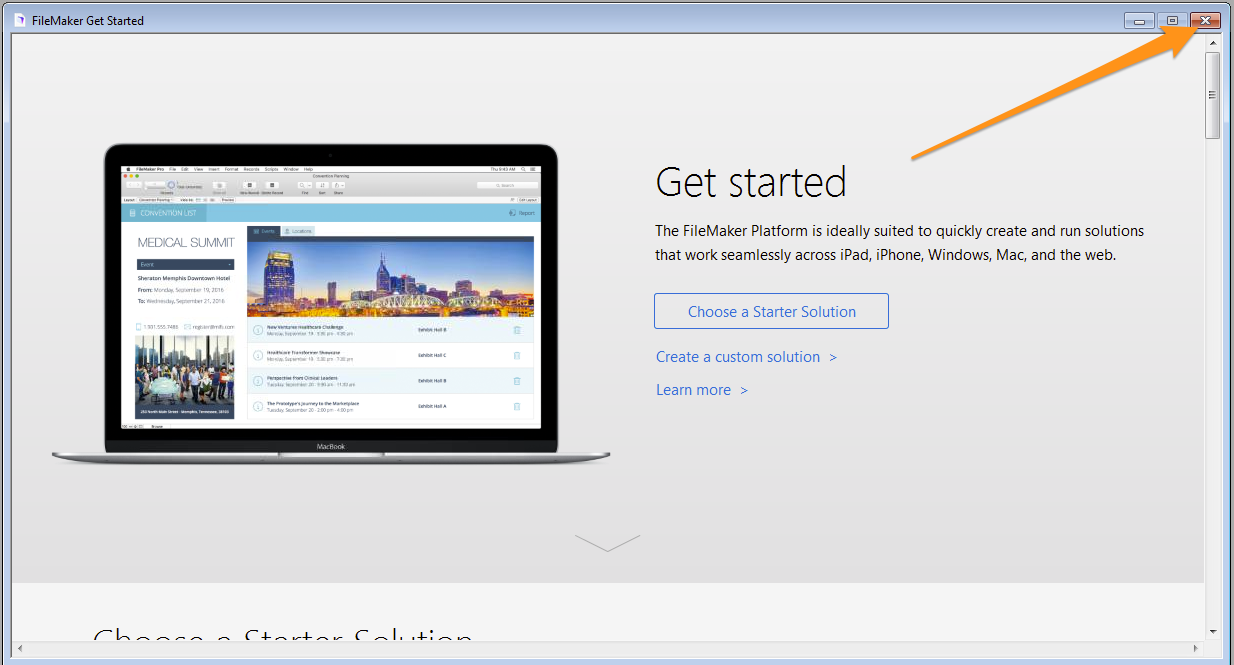
- Click on the Hosts tab and then click on the + button

-
In the Host's Internet Address field enter one of the following addresses and click Save
filemaker2.apu.edu
(Academic Advising, CTLA, Graduate Psychology, APU Seminary, Office of Grants Management, Service Learning, and School of Music,)
filemaker.apu.edu
(School of Education, CSA, and Mexico Outreach)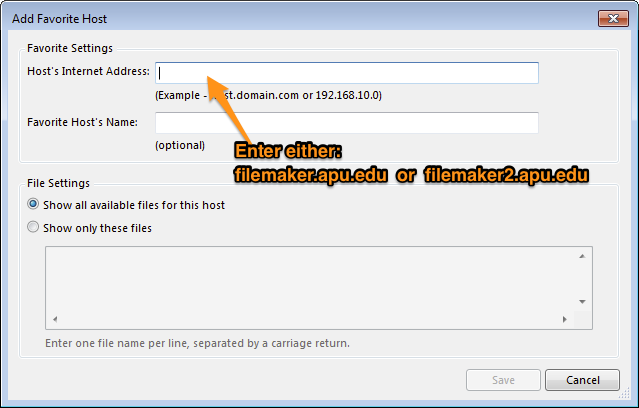
- You will see all of the databases associated with the server address you entered

-
You can search for the database you are looking for by entering a search term in the search box located at the top right, or you can simply scroll through the databases
How to setup the IT FileMaker Server in FileMaker Pro 15
KB 273
·
System Admin
·
Apr 10, 2024
·
2125 views