

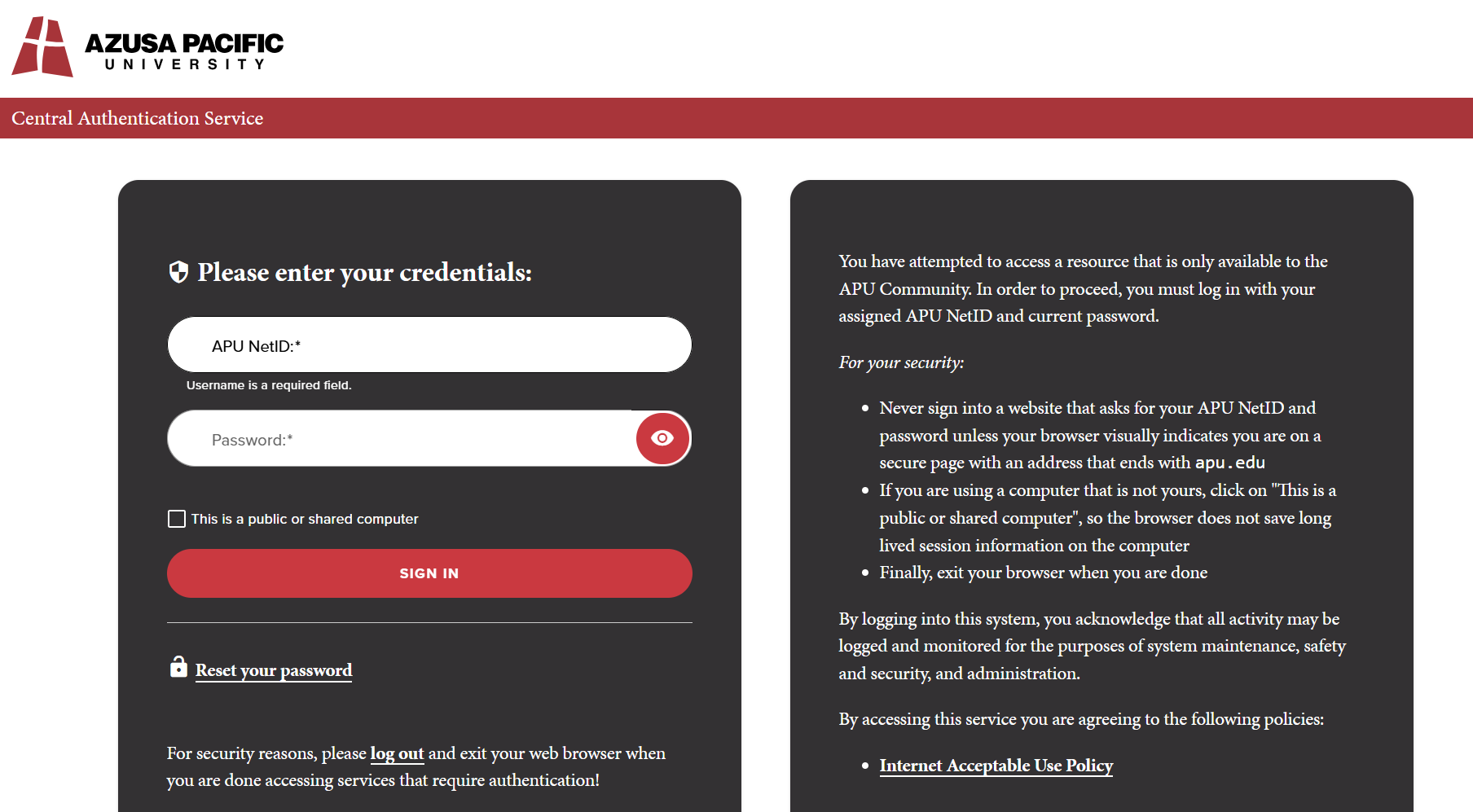
- Log in to ark.apu.edu using your APU NetID and password.
- Click on Shared with Me > Ark Delivery folder.
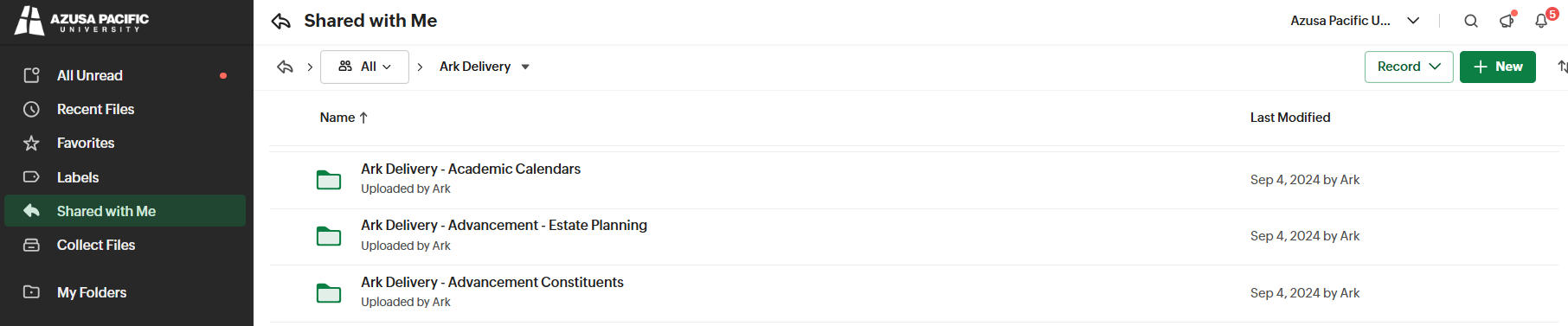
- Click open the Ark Delivery folder labeled for your department.
- The folders inside are for each Document Type set up.
- Click the folder for the document type you want to upload.
- Drag and drop your documents into the Document Type folder, then click Upload.
- Accepted file types: PDF (preferred), DOC/DOCX, JPG/JPEG, PNG.
Please see our ARK Delivery Training Video (at 40:40) for more information.