

If you are trying to connect personal devices to Wi-Fi, please see our article regarding the APU-BYOD Wi-Fi Network.
If you are trying to connect an APU-Issued device to Wi-Fi, please see our article regarding the APU-ENTERPRISE Wi-Fi Network.
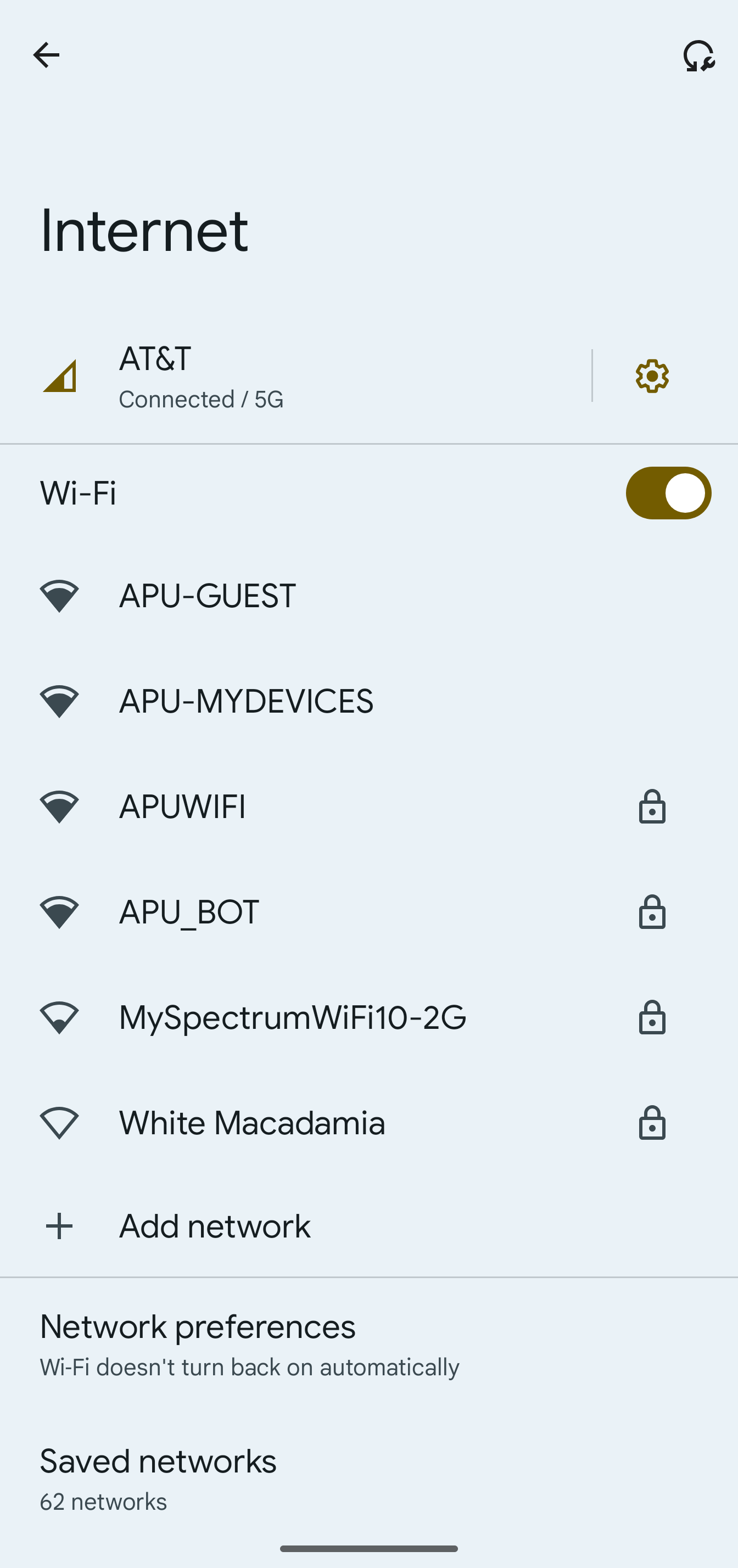
Select APUWIFI (all upper case) from the WiFi Menu
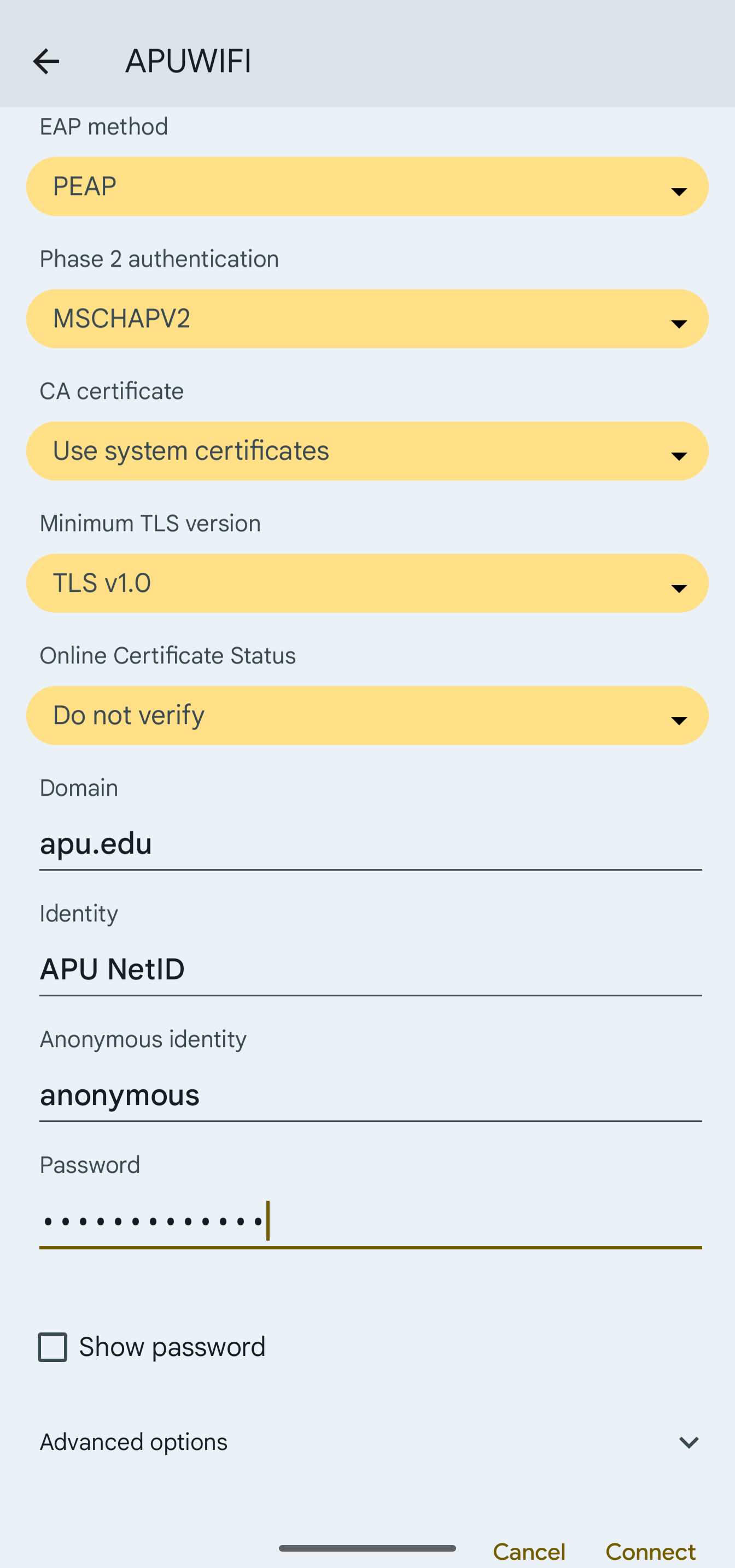
Enter your APU NetID (e.g. jsmith without @apu.edu) as “Identity” and password when prompted for credentials and click Connect. (Make sure CA certificate is set to 'Do not validate')
Congratulations! You are now Connected.
For a more detailed list of how to connect
1. Use PEAP for the EAP method
2. Use MSCHAPV2 for the phase 2 authentication
3. Use "do not validate" for the Online Certificate Status
4. Use "apu.edu" for the domain
5. Enter in your APU email exactly how it is for your identity: for example "[email protected]" if you do not include the "@apu.edu" it does not work.
6. Enter your password as normal for
7. Change your Privacy to "use device MAC"
8. Click save and connect and it should function properly