

Please follow the steps below to help you sign into PeopleSoft and Change your Password
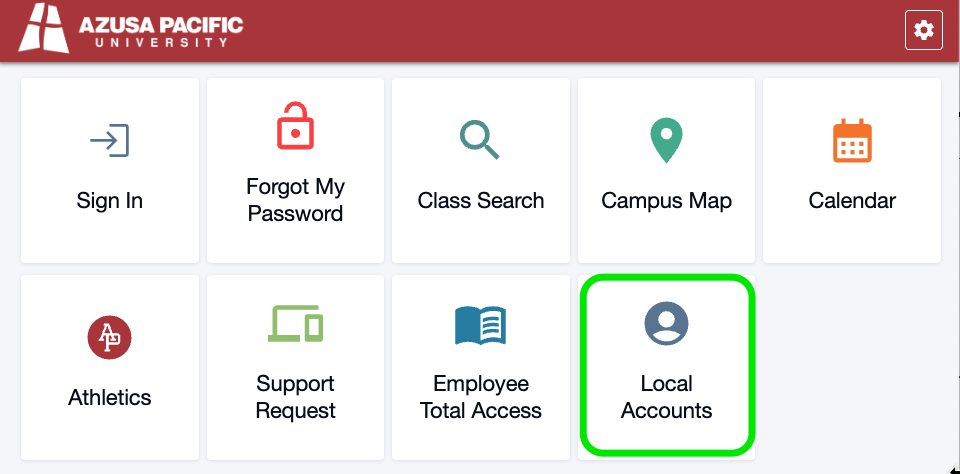
1. Go to home.apu.edu and select Local Accounts
2. Enter your 7STU login information Username is case sensitive:
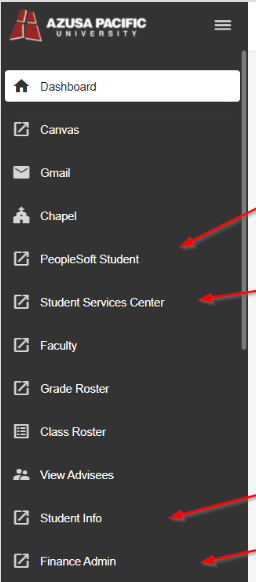
3. Navigate to one of the PeopleSoft links in the left hand options
4. It should automatically drop you into the PeopleSoft landing page. If not, you can re-enter your credentials
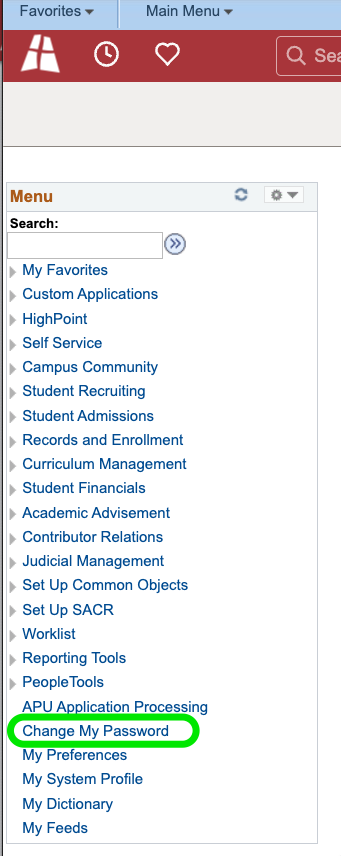
6. Select Change My Password to reset your password

If you are having issues accessing your 7STU account or would like a password reset, please email us at [email protected] to request for a 7STU Account Reset.