

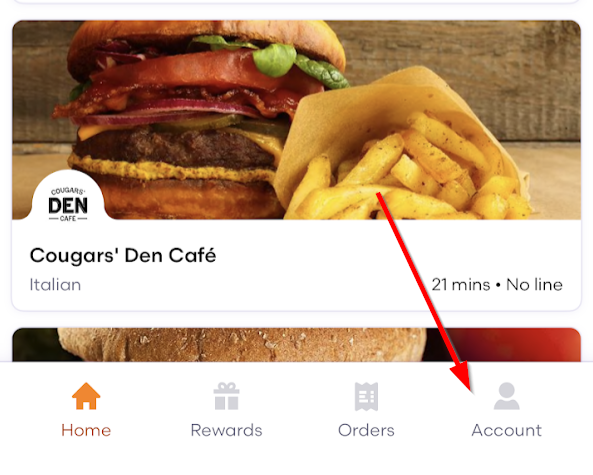
- Open Grubhub and choose Account on the bottom right
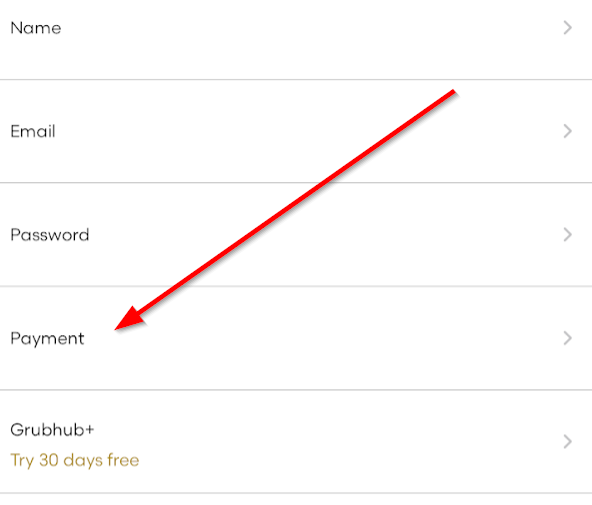
- Select Payment
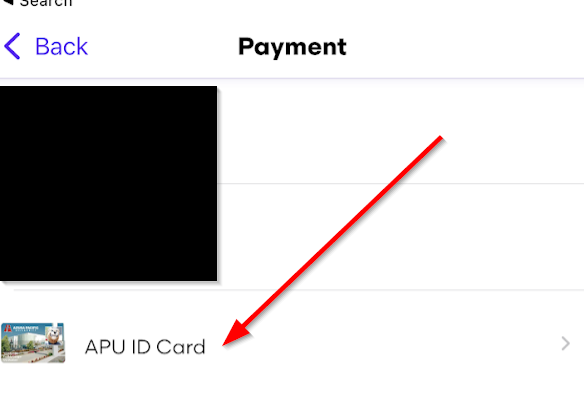
- Select APU ID Card
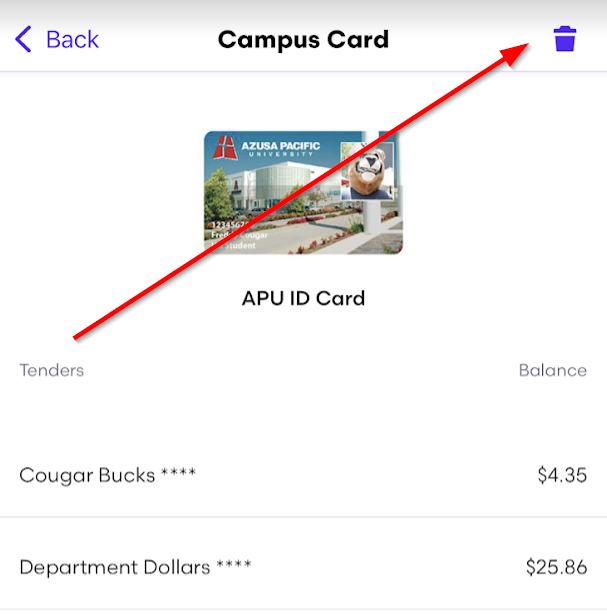
- Click on the trash can icon
- To add your card back see this article - Add APU ID in Grubhub.
Remove APU ID in Grubhub
KB 208
·
System Admin
·
Apr 9, 2024
·
2057 views