

- Download the Concur Mobile App
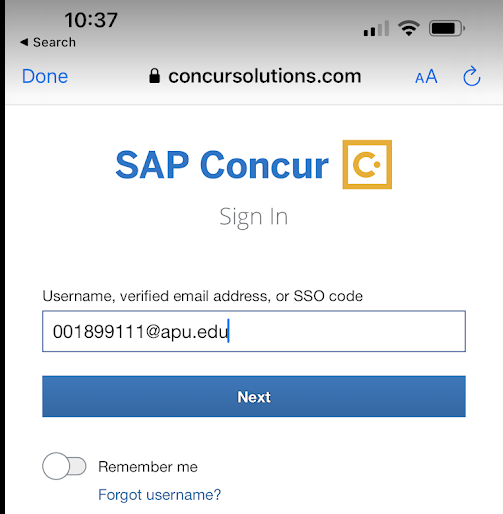
- Enter your APU ID Number with "@apu.edu" at the end and press "Next." You can find your APU ID on HR Total Access.
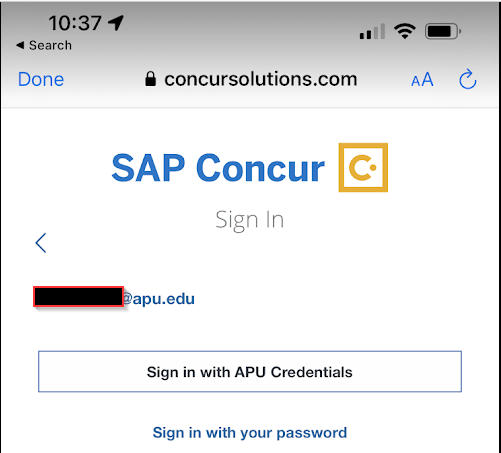
- Choose sign in with 'APU Credentials'
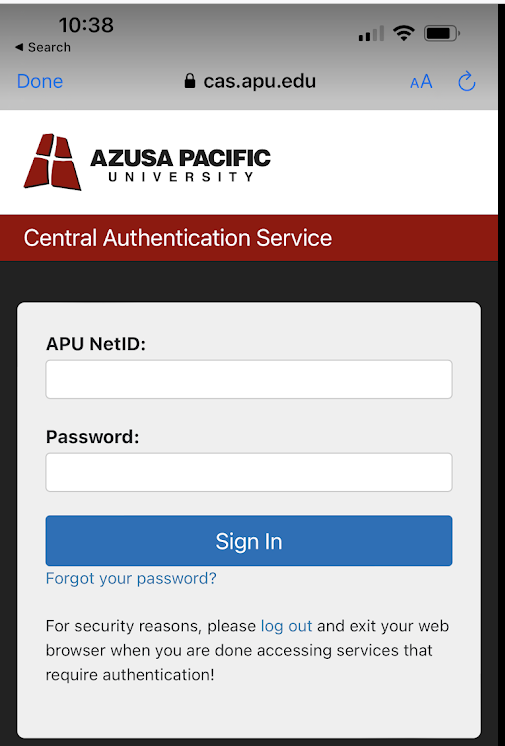
- Enter Your APU Login information and press 'Sign In'
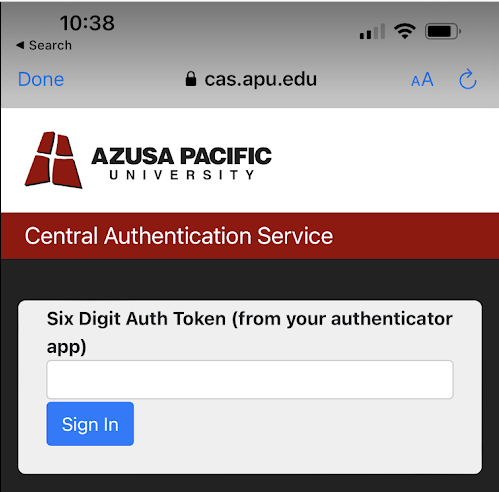
- Enter your authentication code and press 'Sign In'
Log In to Concur Mobile App
KB 185
·
System Admin
·
Apr 5, 2024
·
3579 views