In order to turn on Letter Grades in your Canvas Gradebook please follow the steps below.
A Grading Scheme is required in your Canvas course in order to Sync Grades from Canvas to Peoplesoft.
- Navigate to Settings
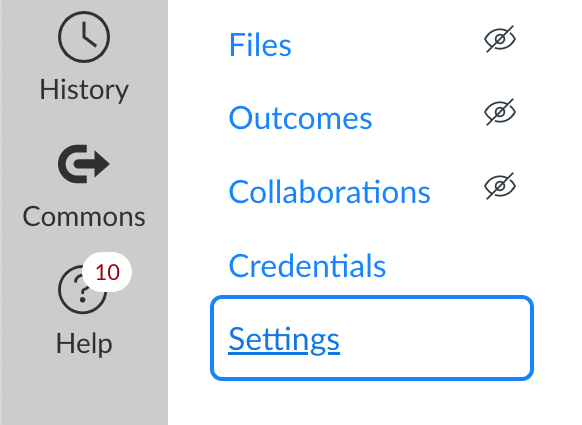
- Select the Course Details Tab
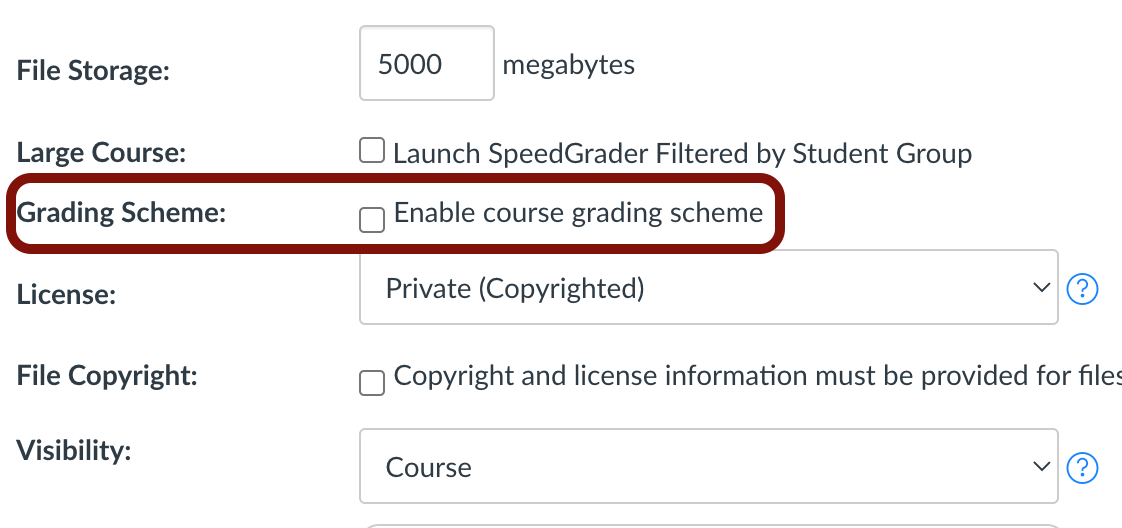
- Scroll down and find the Grading Scheme checkbox
- Click Enable course grading scheme to turn on Letter Grades in Canvas.

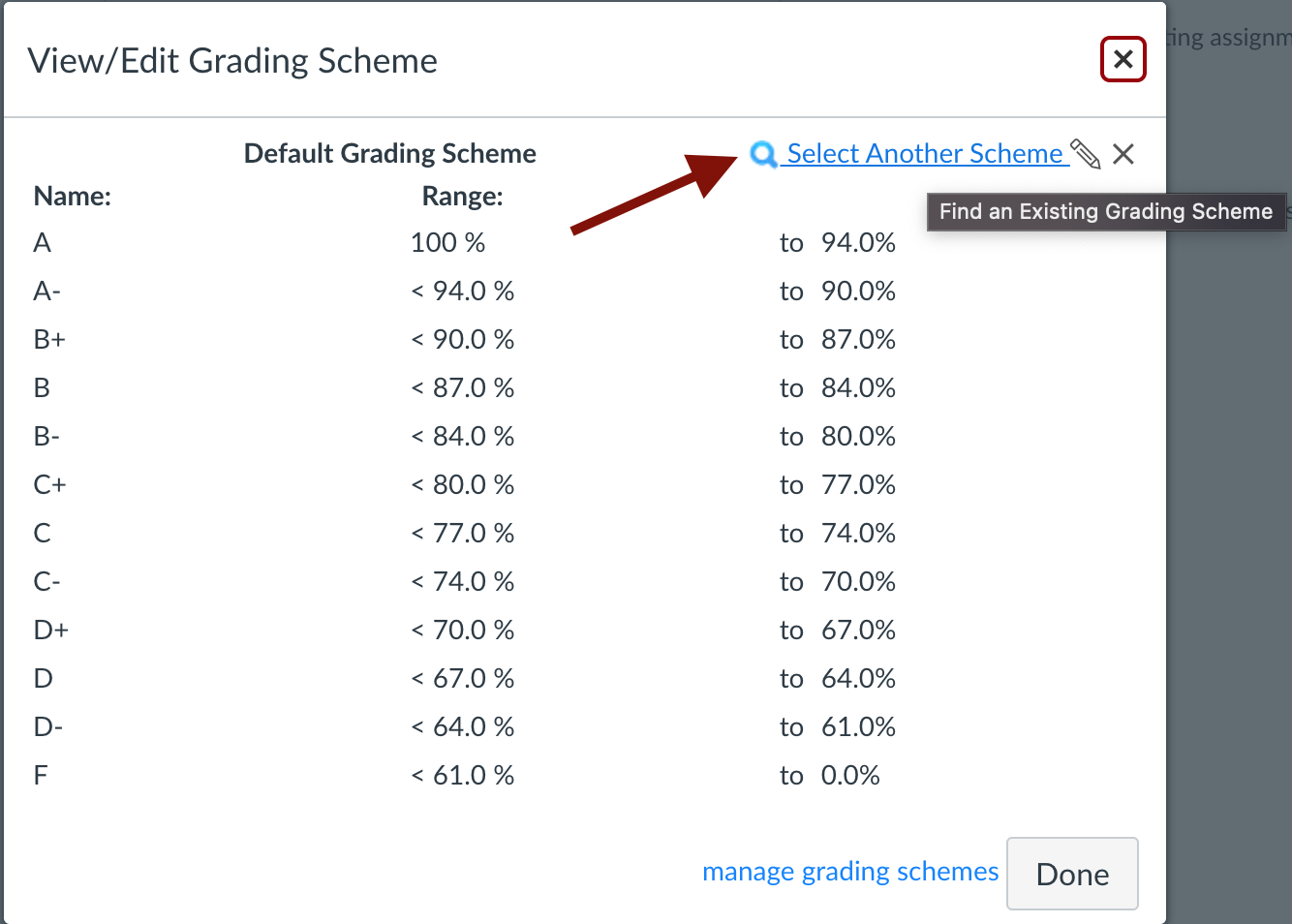

- Once you Enable course grading scheme [1] click view grading scheme [2] to select a school, UG, or Graduate course-specific grading scale.

- To change the course grading scheme select View grading scheme [2] and then Select Another Scheme.
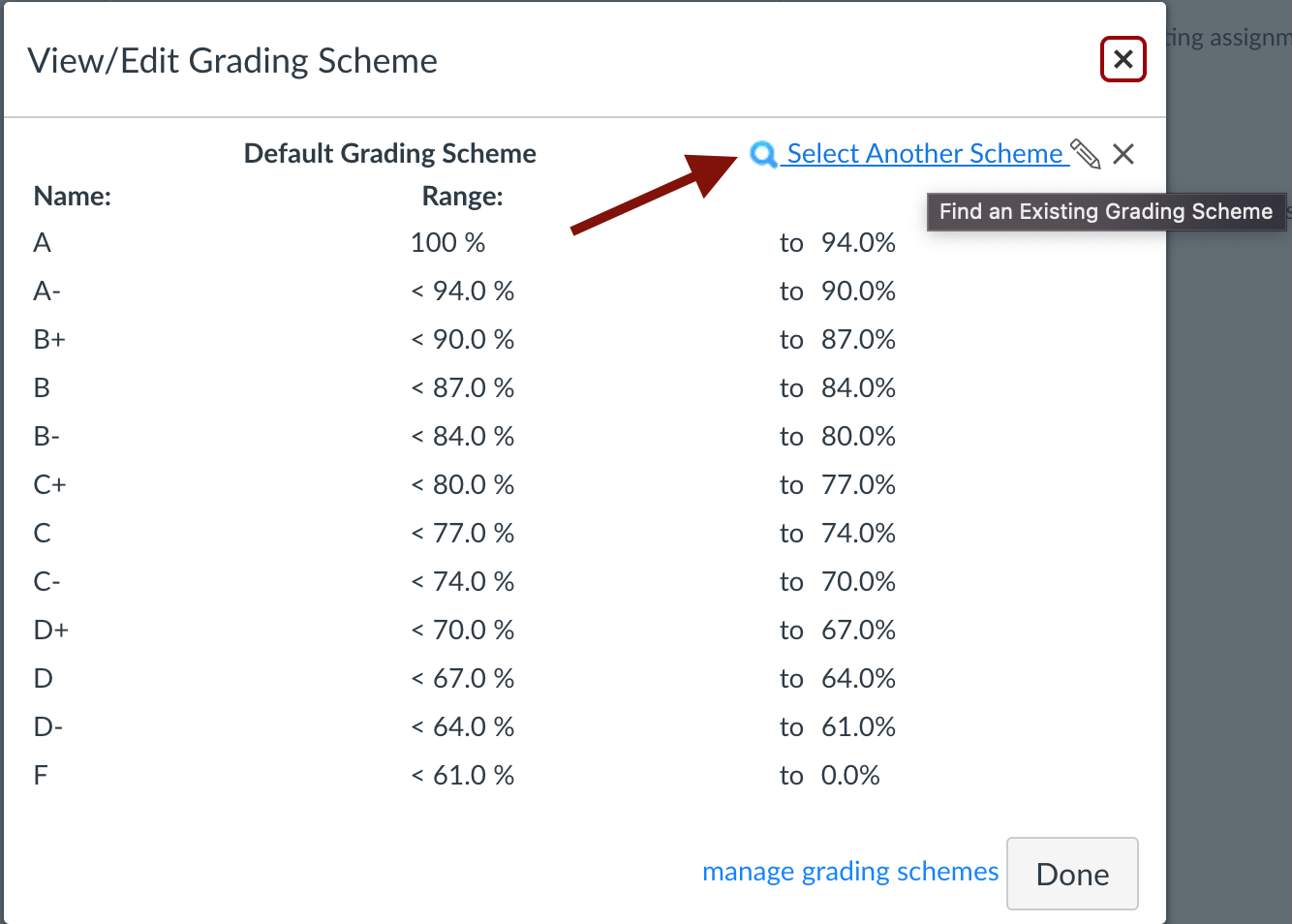
- Select the appropriate scale according to your discipline or level of study.
- Please make sure to click Update Course Details at the bottom.