

Outline
Viewing Your Unofficial Transcript
Ordering an Official Transcript
- 1
Checking Grades
1. Sign into home.apu.edu
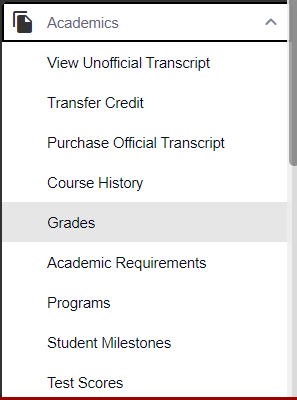
2. Navigate to the Academics menu on the left-hand sidebar and select Grades
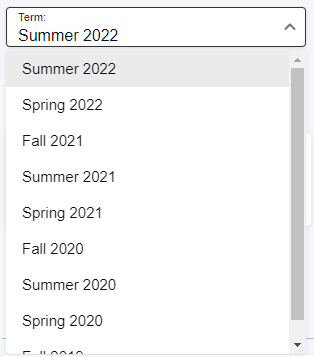
Select a term at the top to view grades for other terms
- 1
Viewing Your Unofficial Transcript
-
Sign into home.apu.edu
- Navigate to the Academics menu on the left-hand sidebar and select View Unofficial Transcript
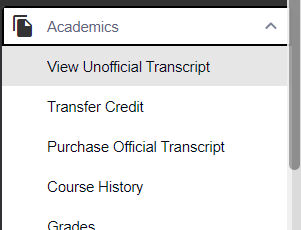
3. You can print your unofficial transcript by clicking on the View PDF button in the top right corner

- 1
Ordering an Official Transcript
-
Sign into home.apu.edu
- Navigate to the Academics menu on the left-hand sidebar and select Purchase Official Transcript
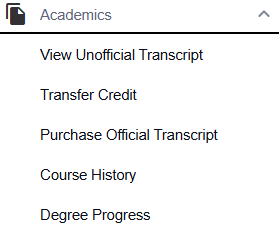
3. Scroll down in the Transcript Ordering Center to "Order Transcripts" and follow the prompts

If you are in need of a hard copy of your official transcript, please input the mailing address in the special instructions/comments section of your transcript request. You will order the transcript request as electronic however by inputting the mailing address in that section our team will mail out a hard copy for you and email you once it has been emailed out. You will not be charged any additional electronic fees. Please email [email protected] for any further questions.