Faculty Guide - home.apu.edu
KB 125
·
System Admin
·
Apr 3, 2024
·
2194 views
Where can I view/print my Class Roster
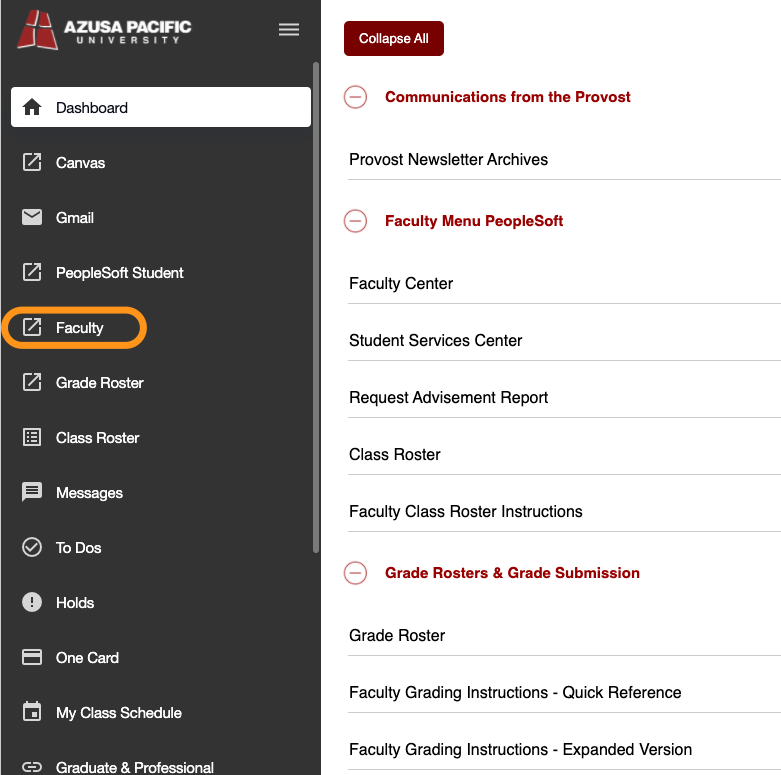
- Navigate to the left menu, and select Class Roster
- Select View Students to see the Names and pictures of your students (A great way to learn the names of your students before the first day of class)
- Click on the Email Enrolled button to send an email to all of your in the class.
- You can email a single student or multiple students by ticking the checkbox next to each students name and clicking the Email button and then Selected.
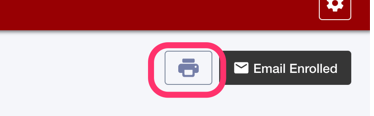
- You can also Print your Class Roster by clicking on the Printer Icon
I’m not sure where to find something
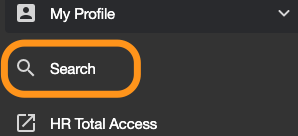
- Try the Global Search feature -- It searches home.apu.edu and all public APU websites. Please note the search menu item may move to a higher position.
Where do I view my classes?
- The Dashboard now has tabs. Click on the Teaching tab and view your Teaching Schedule widget. You can also find My Class Schedule on the main menu.
Where do I find faculty related resources?
- Select Faculty from the main menu